bigdata-client package ✅ Read inline attribution details
✅ Retrieve the full document
✅ Get the favicon
You can display those details in your proprietary Chatbot in the same way as Bigdata App:

Install bigdata-client package
Follow Prerequisites instructions
to set up the require environment.
Read inline attribution details
The following script will create a chat, ask a question and print the inline attribution details from the response sources.headline: The title of the document.id: A unique identifier for the document in Bigdata.com.URL: The direct link to the source document (if available).timestamp: The publication date/time of the document.image_urls: A representative image from the document (if available).
Retrieve the full Document
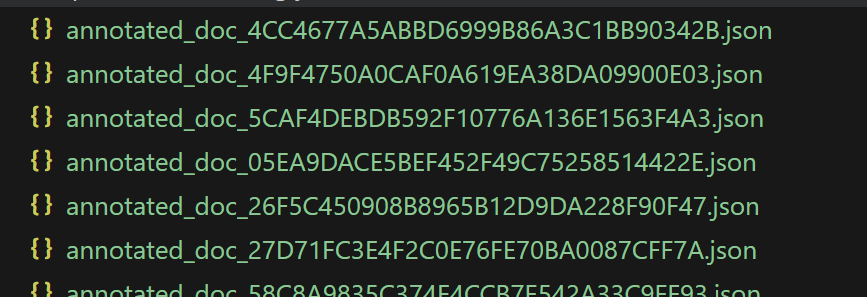
If the document is an indexed Bigdata.com document, you can download the full annotated document with the following script.Getting the Favicon
We need the ID of the indexed source that published the document, and use the Knowledge Graph’sget_sources method.
Complete script
This script creates a Chat, asks a question, prints the question and the answer, and prints inline attribution details for each document used to craft the Chat response. Then it also downloads the entire annotated document and saves it in your directory.