

The Bigdata CLI is currently in Beta. We’d love to hear about your use cases: where you’re using the CLI, and any frictions you run into. Reach out at support@bigdata.com to help us shape what comes next.
Get started
1
Installation
The CLI is published on PyPI as Two entry points are available after installation:
bigdata-cli.bigdata (full name) and bd (short alias).2
Create an API Key
You can create your API Key in the Developer Platform > API Keys.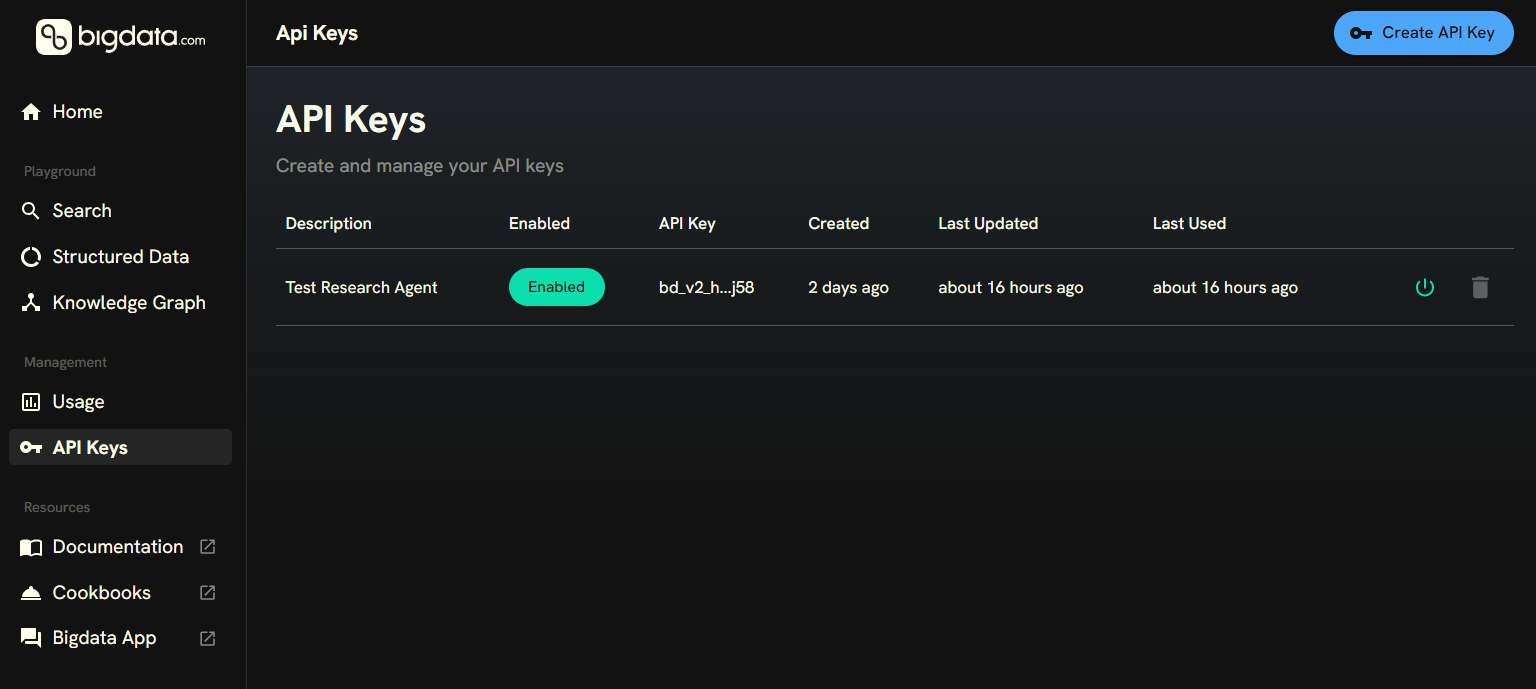
3
Configure the API Key
Run the interactive configuration command, which prompts for your key and profile (The default profile is For CI or scripts, configure non-interactively:Or set the key via environment variable instead:
default):4
Try it out
Discover the available commands:Run your first queries:Search across news, filings, and transcripts, returning the top 5 most relevant matched document chunks:Discover entities in the Knowledge Graph (fuzzy search):Resolve a known identifier to a stable entity (deterministic lookup):Aggregate signals over time: