1
Create an API Key
You can manage your API Keys in the Developer Platform > API Keys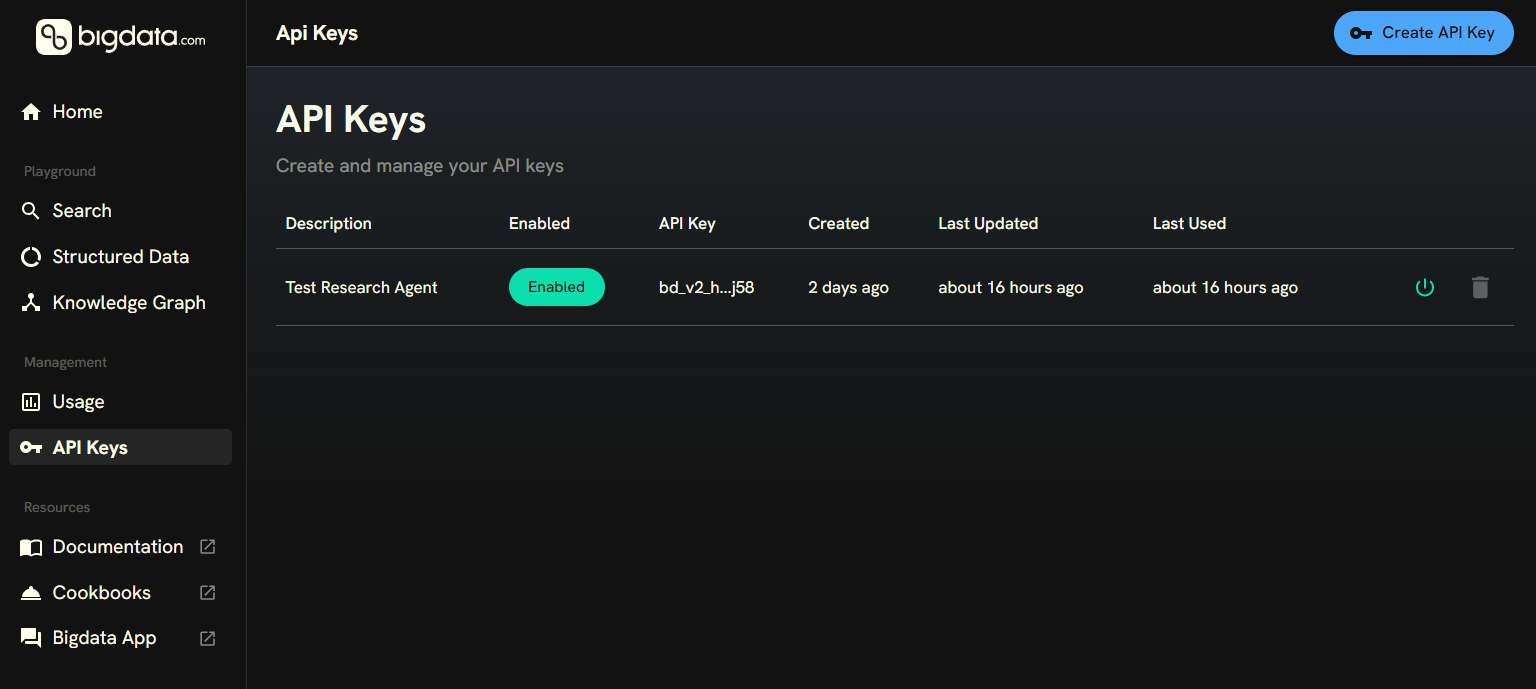
2
Configure the connection
- Cursor
- Snowflake
- Generic Agentic Host
Click on the  Enter your API Key in the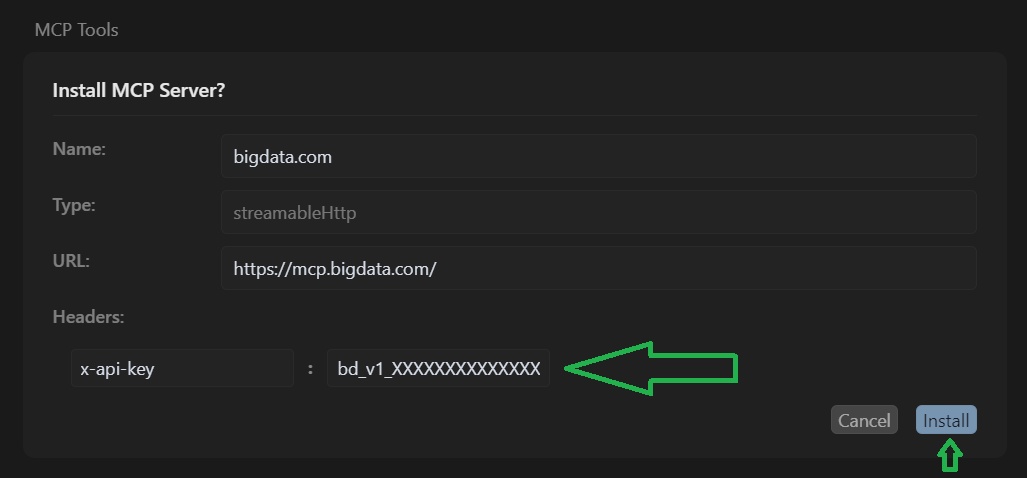

Add to Cursor icon below, and the browser will guide you to open the Cursor Application to configure the MCP.Enter your API Key in the x-api-key field and then click on Install.Tools section of Cursor.3
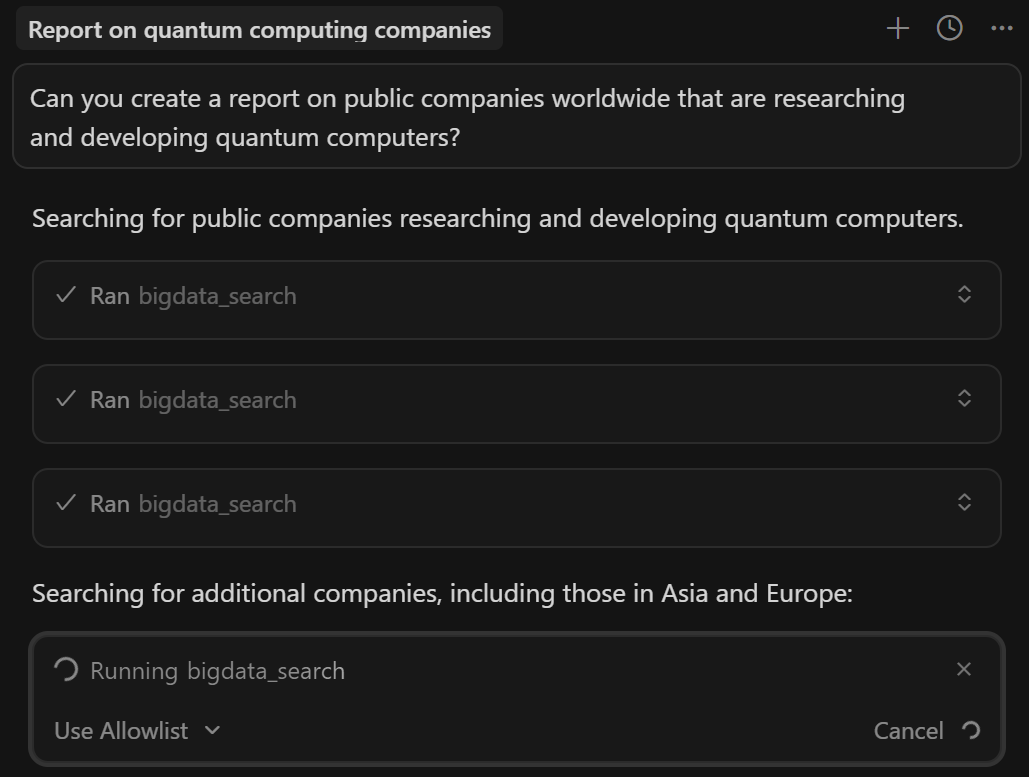
Ask a question
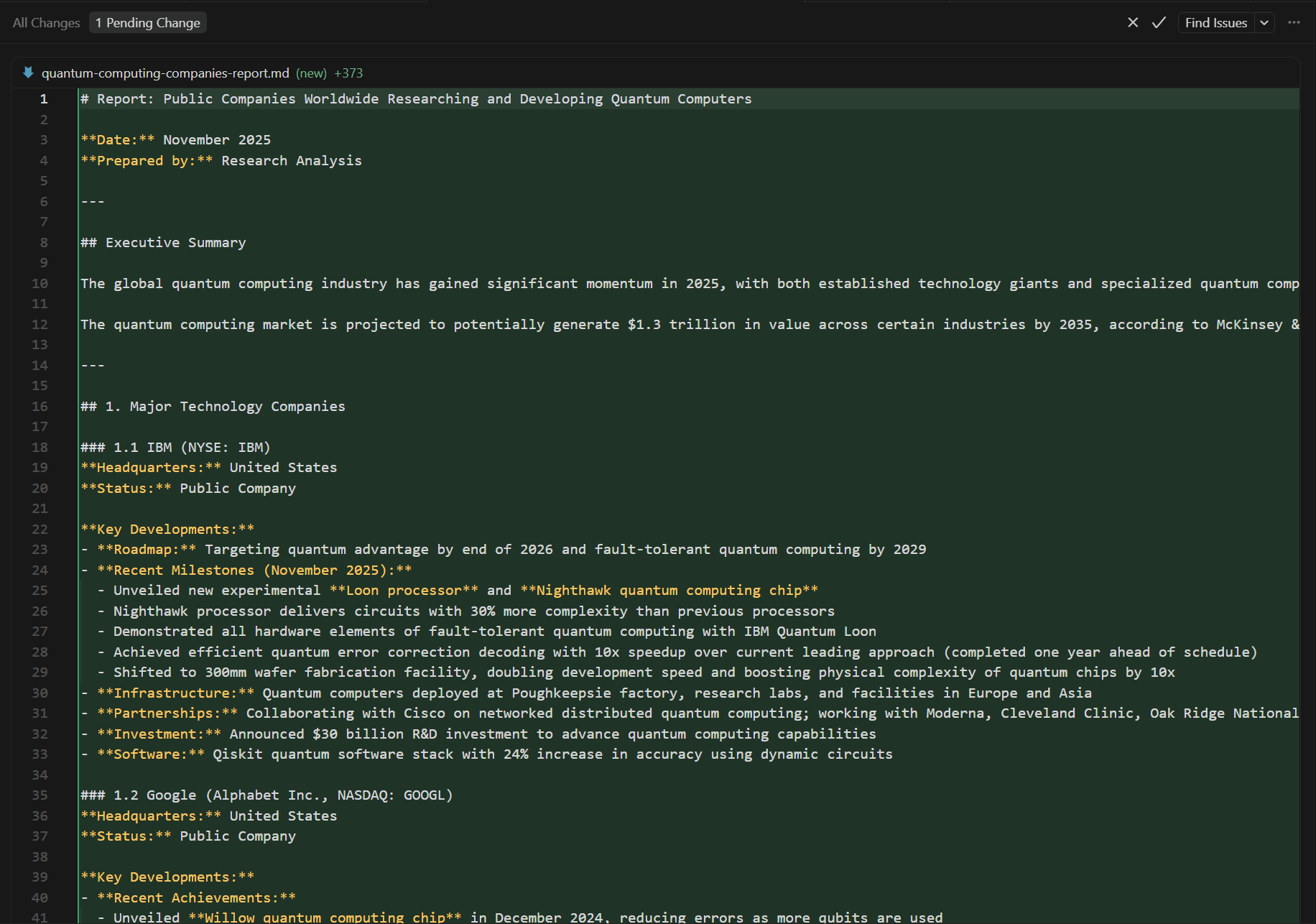
You can ask your agentic client to help you write a report.Cursor will use the Bigdata.com Remote MCP to search for insights and generate the report.